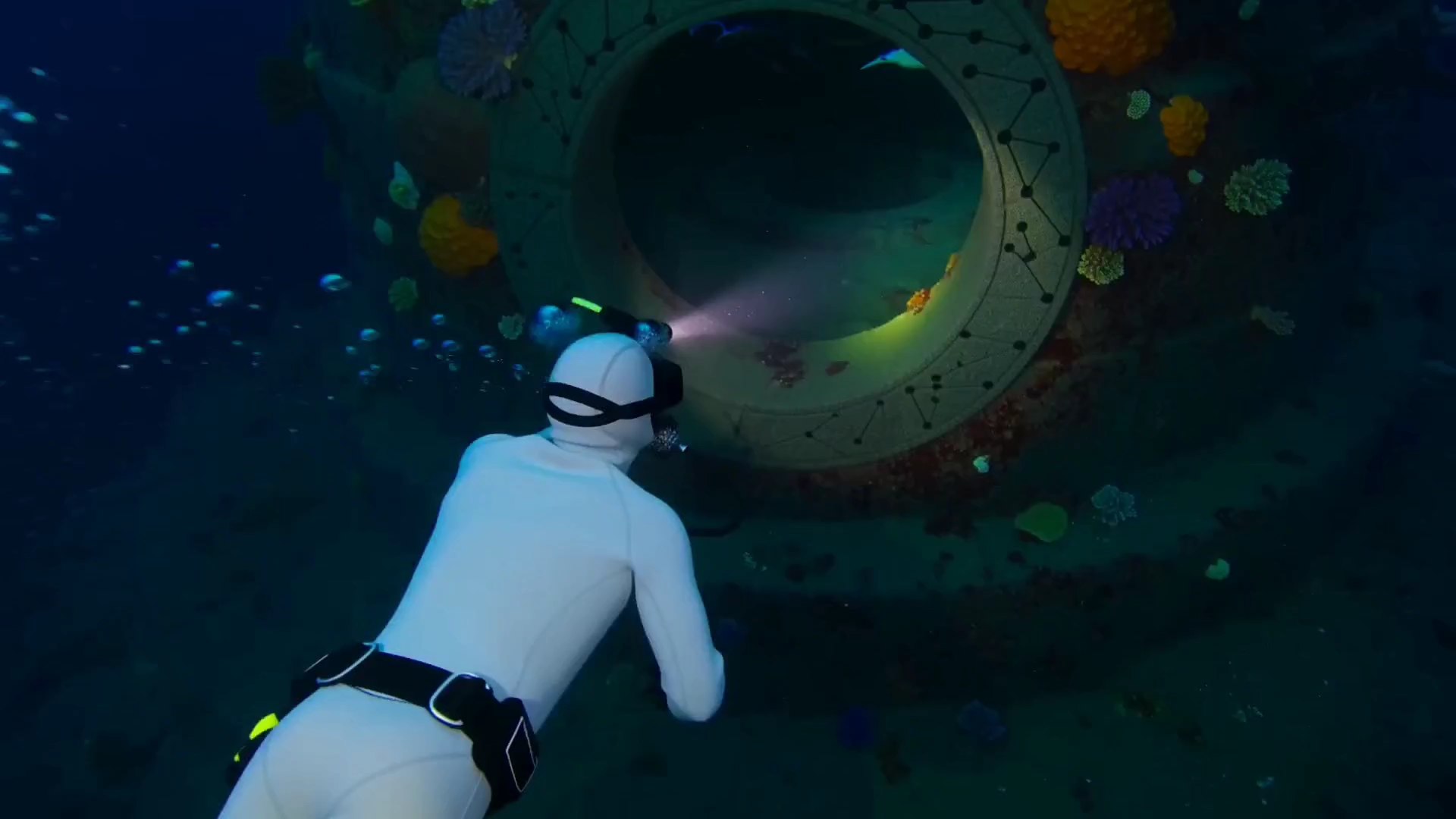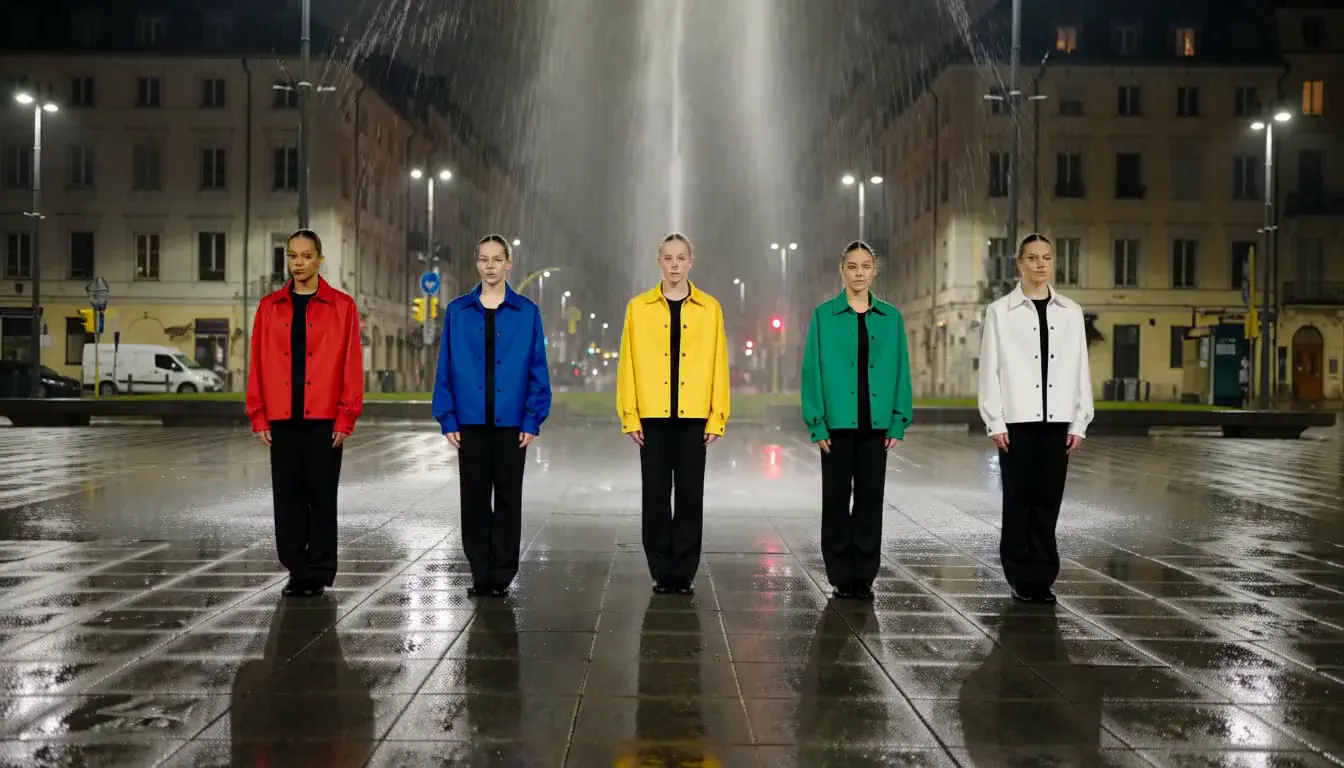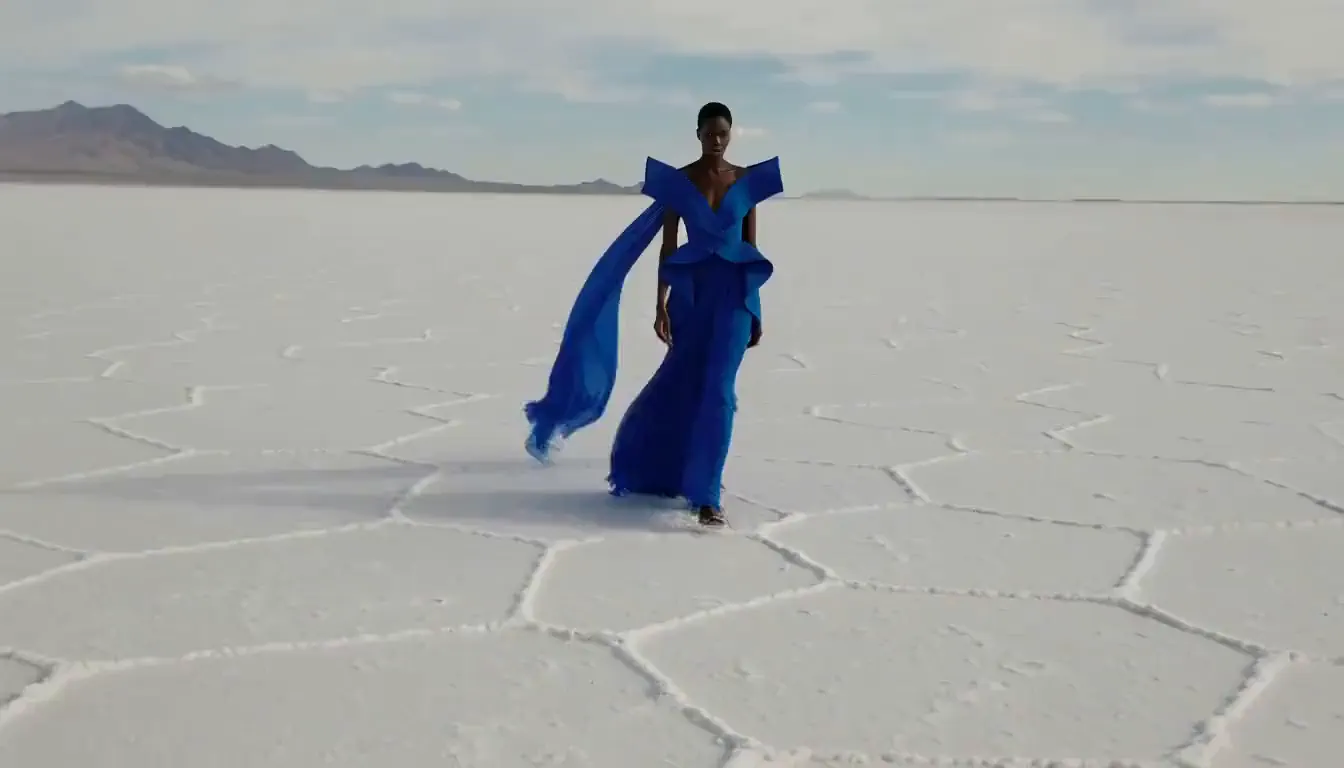
Cinematic shot brief
A collapsing sea cathedral in one continuous take
A long-form shot brief that coordinates subject, camera path, physical action, lighting, constraints, and environmental sound.
Create 5–15 second AI videos with Text-to-Video, Image-to-Video, or Reference-to-Video, plus synchronized audio and 480P or 768P output ready to review and refine.
Production preview
MiniMax H3 MaxLoading recent generations…
The model behind it
MiniMax H3 Max is fal's post-trained variant of the MiniMax H3 video model, built for prompt adherence, generation speed, and synchronized audio at 480p or 768p. It is commonly referred to as H3 Max, and both names mean the same model.
How it differs from MiniMax H3
Post-training means fal took the base model and trained it further on a narrower target.
What that traded away is resolution — it stops at 768p, while base MiniMax H3 goes to 2K.
What it bought is speed and prompt adherence: a 5-second 768p clip returns in under 3 seconds, and the beats you name arrive in the order you wrote them.
It is hosted only; the weights are not released.
Generate video in three input modes, control the output settings, and include dialogue, ambience, or other sound direction in your prompt.
Start with a text prompt, animate a still image, or guide a new clip with reference images and video. Text-to-Video, Image-to-Video, and Reference-to-Video use the same core prompt-and-generate workflow.
Limit: Reference mode still needs a clear role for each uploaded asset; more inputs do not automatically produce a more controlled result.
H3 Max generates audio in the same pass as the video. Add dialogue, ambience, foley, or music direction to the prompt, then review the picture and sound together.
Limit: If the prompt does not describe the sound, the model may infer audio from the scene. Review the generated track before publishing.
Use 480P for lighter drafts or 768P when you need more visual detail. Text-to-Video supports six aspect ratios, while Image-to-Video follows the uploaded image.
Limit: H3 Max does not output 2K, and Image-to-Video does not use a separate aspect-ratio override.
Choose a clip length from 5 to 15 seconds. This range fits a single product action, dialogue beat, transition, or short social scene.
Limit: Fifteen seconds is the longest single generation in this workflow; longer sequences need multiple clips and external editing.
Explore six generated videos covering cinematic camera work, dialogue, animation, slow motion, pixel art, and product-focused shots.
Cinematic shot brief
A long-form shot brief that coordinates subject, camera path, physical action, lighting, constraints, and environmental sound.
Pixel art
A rule-driven animation prompt that makes obstacles, character actions, parallax layers, visual style, and game audio explicit.
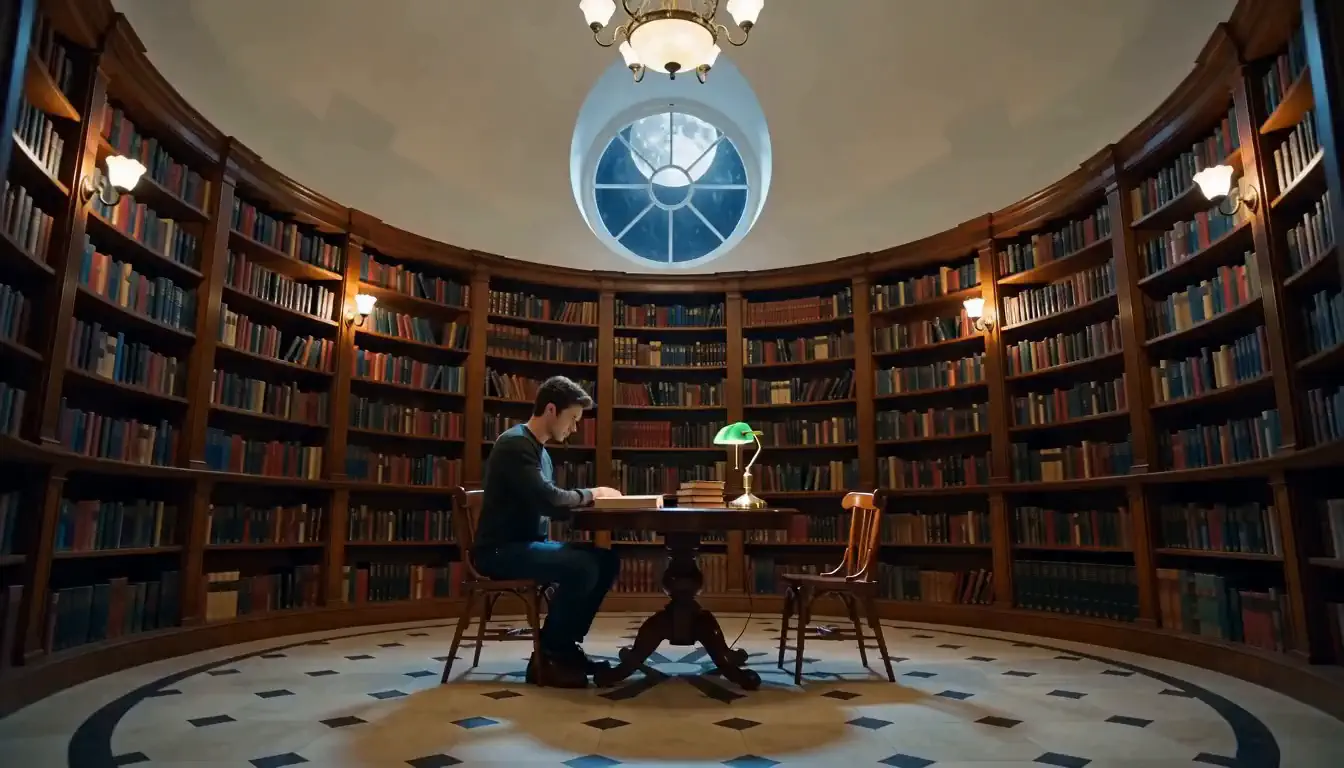
Dialogue
A compact performance prompt leaves enough time to assess expression, speech timing, and kitchen ambience in the generated clip.
Stop motion
Material cues, stepped motion, a simple action sequence, and tactile sound give the model clear continuity cues for a handmade look.
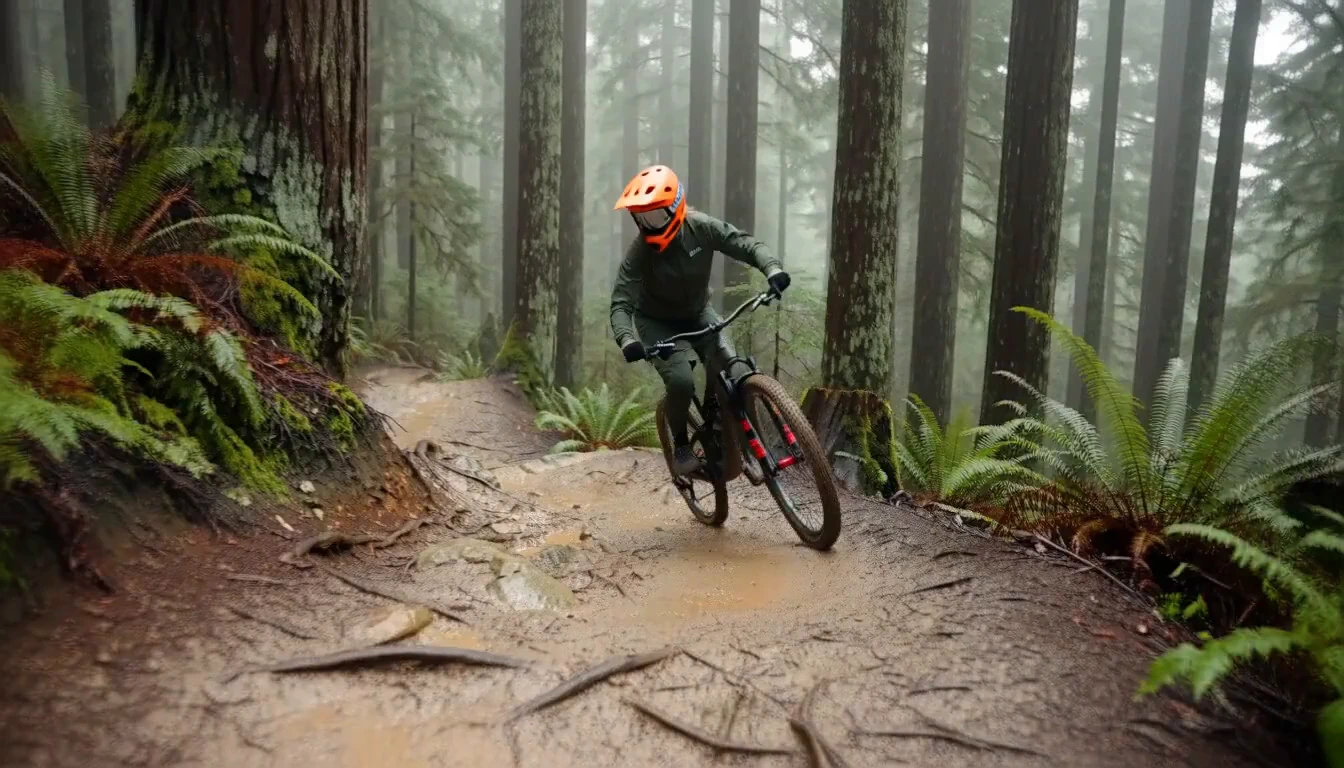
Slow motion
The prompt separates the sharp subject from motion blur and gives the background, lens, light, and ambient sound distinct jobs.
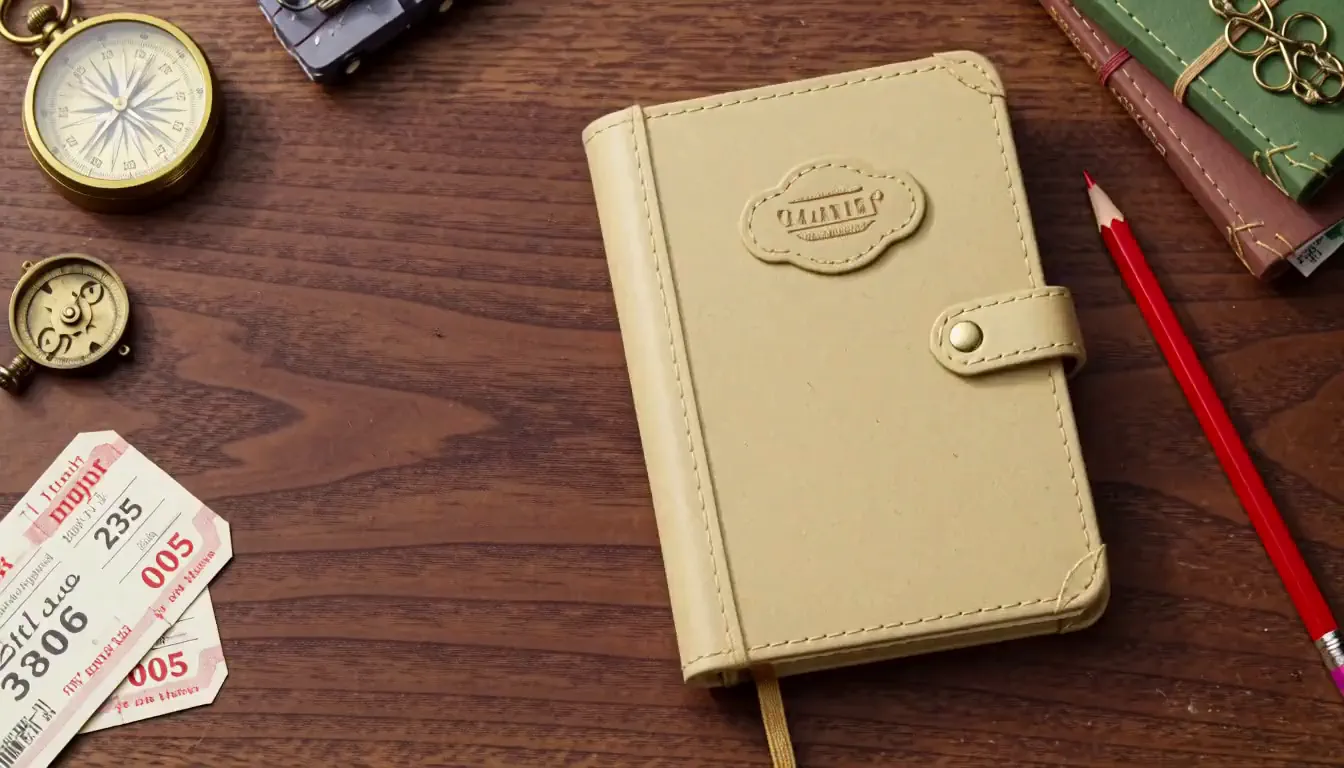
Product macro
Specific surface details and close sound cues direct the shot toward a product-focused macro result instead of a generic cafe scene.
Use the generator for product videos, social clips, dialogue scenes, stop motion, stylized animation, and other focused short-form content.
Use 16:9 for product pages and presentations or 9:16 for short-form feeds. The 5 to 15 second range fits one product motion, transition, visual hook, or social beat.
Put the spoken line, room tone, environmental sound, and camera direction in one prompt. Review lip movement, timing, and the generated track together before export.
Controlled visual studies are easier to review when the prompt keeps one clear subject and changes the camera, action, light, or sound one variable at a time.
Use reference images or video to guide identity, style, motion, or composition. State the role of each asset instead of expecting additional references to improve control automatically.
Model comparison
Same family, different jobs. It trades resolution and endpoints for speed.
No 2K. No editing endpoint. No downloadable weights. If any of those three decides your job, use the base model.
Where it stands
Four things separate it from the model it came from and from the field it competes in — render time, leaderboard position against listed price, prompt adherence, and audio that arrives with the picture.
Compared with: base MiniMax H3.
A 5-second 768p clip returns in under 3 seconds. The same clip on base MiniMax H3's official endpoint takes roughly 35 times longer, so eight variants of one idea cost about 20 seconds of render time here. Run one above and time it.
Compared with: the image-to-video field.
On Artificial Analysis' image-to-video leaderboard with audio, H3 Max ranks first at an Elo of 1,201, ahead of Dreamina Seedance 2.0 at 1,191 and base MiniMax H3 at 1,187. At $2.40 per minute it is also the lowest listed price in that board's top fifteen.
Compared with: base MiniMax H3.
Prompt adherence is what fal's post-training targeted first. Name the beats and they arrive in sequence. A single 15-second generation can hold one character and one visual style across six shots.
Compared with: most other video models, not base MiniMax H3.
Every generation returns stereo audio cut to the picture. Most video models hand back silent footage. Base MiniMax H3 also generates native audio, so this is a family trait, not something post-training added.
Write the shot and sound, choose the output settings, generate a first version, then review the motion and audio before downloading.
Name the subject and action, then add camera movement, lighting, dialogue, ambience, or other sound cues. For Image-to-Video and Reference-to-Video, state what each uploaded asset should guide.
Choose 480P or 768P and a duration from 5 to 15 seconds. For Text-to-Video, select an aspect ratio; Image-to-Video follows the shape of the uploaded image.
Use the first result to test the shot plan. Change one important variable at a time so the next version is easier to compare.
Unmute the result and review motion, continuity, timing, dialogue, ambience, and unwanted artifacts. Refine the prompt if needed, then download the version that fits the intended placement.
Review the supplied per-second generation rates and the one-time credit packs available on this site.
Supplied generation rates. The supplied rate sheet lists standard Text-to-Video and Image-to-Video at $0.025 per second for 480P and $0.04 per second for 768P. Site credit packs are listed separately below.
Reference-to-Video uses separate input and output rates. See the full pricing page for the detailed rate structure.
A free credit balance included when you sign up.
A one-time purchase of 99 credits on this site.
A one-time purchase of 370 credits on this site.
A one-time purchase of 1,665 credits on this site.
Frequently asked questions
Answers on resolution and length limits, render speed, cost per clip, reference media, how it differs from the base model, and commercial use.
No. h3-max.com is an independent third-party hosted service, not affiliated with, endorsed by, or operated by MiniMax or fal.ai. MiniMax, MiniMax H3, and H3 Max are trademarks of their respective owners.
MiniMax H3 Max is fal's post-trained variant of the MiniMax H3 video model, generating 5 to 15 second clips at 480p or 768p with synchronized audio. It is tuned for prompt adherence and speed rather than maximum resolution.
MiniMax H3 Max generates 5 to 15 second clips at 480p or 768p, with 768p the default. At 16:9 that is 1344×768 at a fixed 24 FPS. Fifteen seconds is the longest single request and there is no 2K option.
MiniMax H3 Max returns a 5-second 768p clip in under 3 seconds, and a 15-second clip in about 15 seconds. That is roughly 35 times faster than the same clip on base MiniMax H3. Prompt expansion set to Quality can add up to 30 seconds.
Yes. MiniMax H3 Max returns audio with every generation, cut to the picture — room tone, foley, dialogue, music, and ambience. Audio is generated from your prompt, so describe it in the same block as the shot.
MiniMax H3 Max supports six aspect ratios on text to video: 21:9, 16:9, 4:3, 1:1, 3:4, and 9:16. On image to video the output follows the aspect ratio of the picture you upload and is not selectable.
A 5-second 768p MiniMax H3 Max clip costs 10 credits — between $0.60 and $1.00 depending on which pack you buy. Output is 2 credits per second at 768p and 1 credit per second at 480p.
MiniMax H3 Max is free to start. New accounts receive 10 credits with no card required — one 5-second clip at 768p, or two at 480p. After that, credit packs start at $9.90 with no subscription.
MiniMax H3 Max is fal's post-trained variant, faster and tuned for prompt adherence but capped at 768p. Base MiniMax H3 reaches 2K, supports video editing, and publishes downloadable weights. This variant is hosted only.
No. MiniMax H3 Max is hosted only and fal has not released its weights. If you need self-hosting, that is base MiniMax H3, whose weights were published on August 3, 2026 under a license with regional limits.
Yes. MiniMax H3 Max accepts reference images and reference video alongside your prompt. Reference images cost 1 credit each, and reference video is billed on its own duration — 1 credit per second at 480p, 2 credits per second at 768p.
Yes. Content generated through the fal.ai API can be used in commercial projects, and fal's terms of service carry the full detail. Read them before a paid campaign, particularly around recognisable people and trademarked material.
Choose Text-to-Video, Image-to-Video, or Reference-to-Video and start creating a short video with synchronized sound.
Text-to-Video, Image-to-Video, and Reference-to-Video are available in the generator above.