
Choose by Delivery Requirement
Use H3 Max on this site for a managed text, image, or reference-guided workflow when 480p, 768p, or 1080p meets the delivery requirement.
Use the base model when the job requires 2K output, video editing, published weights, or self-hosted deployment.
Either can handle reference guidance and native audio. Decide those projects by resolution, deployment, editing needs, and the reference inputs accepted by the endpoint.
They are separate models with separate endpoints, not two quality settings in the H3 Max generator.
Specs Side by Side
Resolution and deployment are the hard splits; input modes and native audio overlap.
| MiniMax H3 Max | MiniMax H3 (base) | |
|---|---|---|
| Site selectable output | 480p, 768p, 1080p | Not available in this site generator |
| fal API public options | 480P, 768P, 1080P | 768p base, 2K path |
| Speed evidence | fal reports under 3 seconds for a 5-second 768p clip | fal reports a substantially longer run in its hosted comparison |
| Clip length | 5–15 seconds | 5–15 seconds |
| Frame rate | 24 FPS | 24 FPS |
| Native audio | Yes | Yes |
| Text to video | Yes | Yes |
| Image to video | Yes, with optional end frame | Yes |
| Reference to video | Yes — available | Yes |
| Video editing | Not offered in this H3 Max workflow | Yes |
| Open weights | No — hosted only | Yes, downloadable |
Resolution and deployment are the hard splits. This site exposes H3 Max at 480p, 768p, and 1080p. Base H3 has a 2K path and publishes weights for self-hosted workflows.
Inputs and sound overlap more than older comparisons suggest. Both handle text, image, and reference-guided generation, and both return native audio. The base model additionally offers video editing; this H3 Max product surface does not.
For the complete H3 Max output matrix, use the resolution guide. For site credit rules and packs, use H3 Max pricing.
Same Prompt, Both Models
Specs describe capability. These six fal-published pairs show behavior under one stated setup: the same text prompt, 768p output, five-second duration, and balanced prompt expansion.
These clips come from fal's published comparison. Use them to inspect the named behavior, then run your own prompt for a project-specific decision.
Test 1 · 16:9
Pit stop — timed action in one continuous shot
What to inspect: Sequence order and simultaneous action
View the shared prompt
Prompt summary · applied to both clips
Create a five-second 16:9 broadcast-style motorsport shot from a fixed low pit-wall camera. First, an orange-and-gunmetal prototype brakes into its box. Next, exactly four crew members replace all four wheels and release the front jack. Finally, the car launches left through tyre smoke. Use hard midday light, heat shimmer, synchronized wheel-gun, engine, nut, and radio audio. Keep every team and sponsor fictional; no collision, fire, or extra crew.
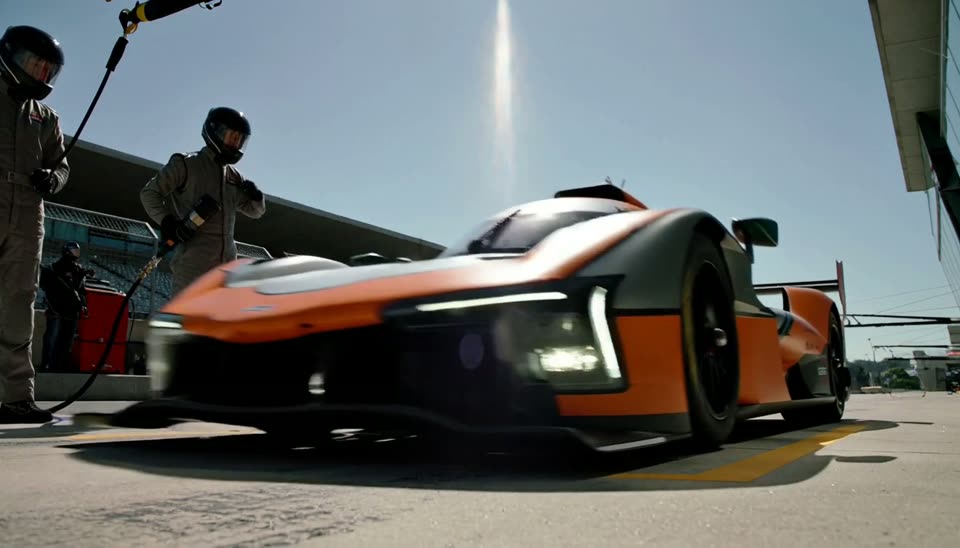
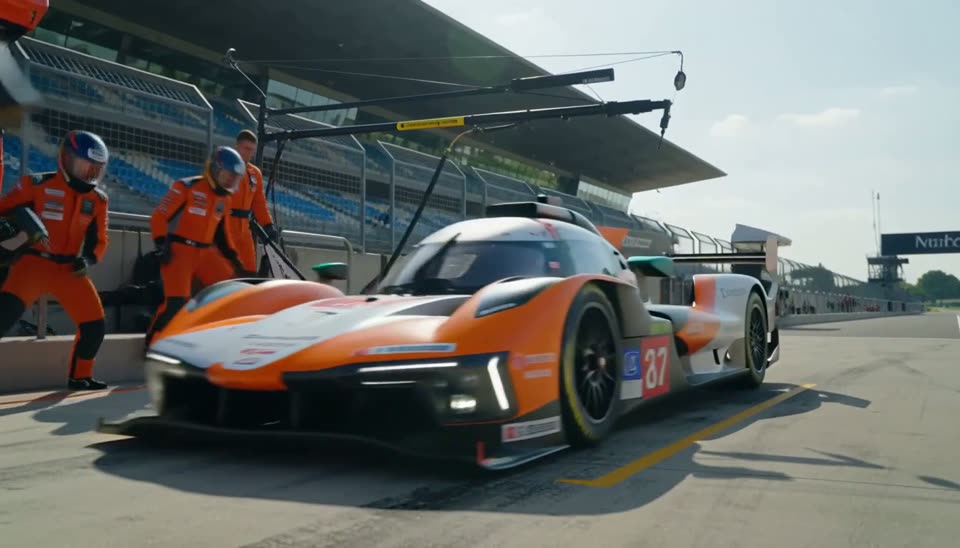
Watch whether arrival, wheel change, and launch remain three distinct beats — and whether four crew members stay coherent while working at once.
Test 2 · 16:9
Motion poster — typography under a timed hold
What to inspect: Spelling, layout, and final-frame stability
View the shared prompt
Prompt summary · applied to both clips
Create a five-second 16:9 science-fiction teaser. Rise slowly past a ruined megastructure through ash, volumetric light, restrained cyan accents, and subtle camera roll. At three seconds, cut to black. During the final second, hold exactly two centered lines of white geometric type: “THE LONG QUIET” and “IN THEATRES 07 . 24”. Add a sub-bass rise, a distant structural groan, and one impact as the title appears. Include no other text, logo, watermark, subtitle, dialogue, or continuous score.
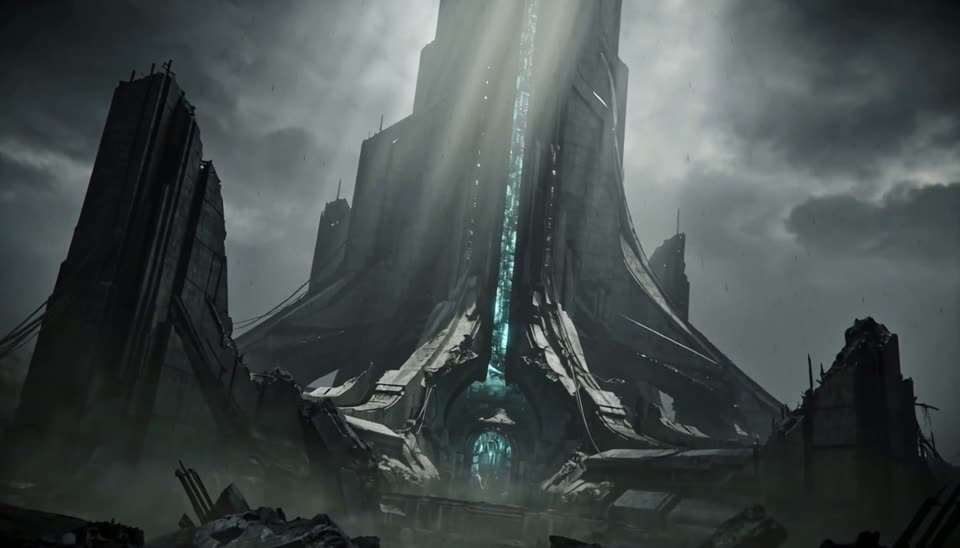
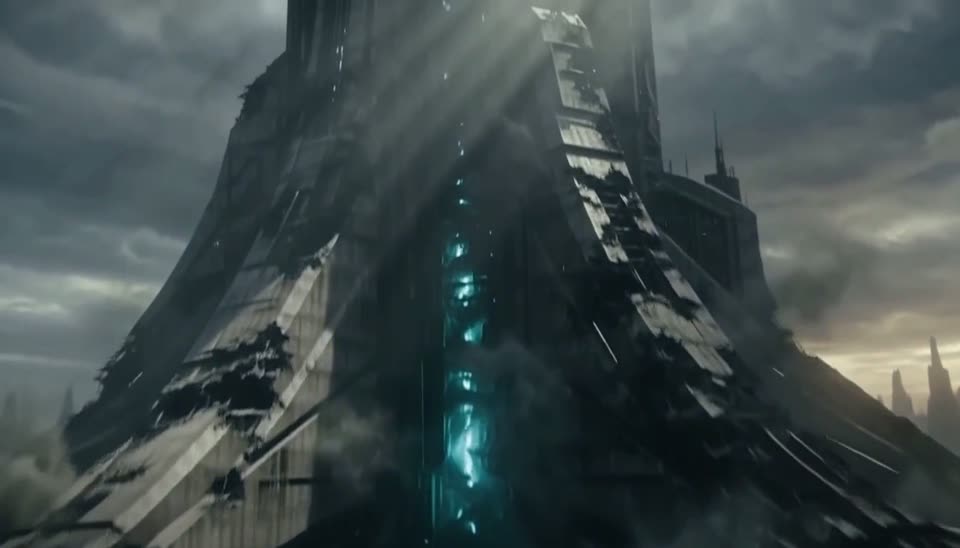
Look at the last second: the title, release line, letter spacing, and stillness make text errors easy to compare side by side.
Test 3 · 16:9
Creature reveal — crane-to-push camera move
What to inspect: Camera continuity, scale, and subject stability
View the shared prompt
Prompt summary · applied to both clips
Create a five-second 16:9 photoreal cinematic shot in one take. Begin high above a research trawler in a heavy dusk swell, then crane toward the waterline as a vast dark, ridged creature rises behind it. Transition into a low push across the water while the ship becomes tiny against the silhouette. Keep the creature mostly unlit and clearly separated from the vessel. Use storm wind, hull impacts, cascading water, one deep pulse, and a distant interrupted shout; no music.
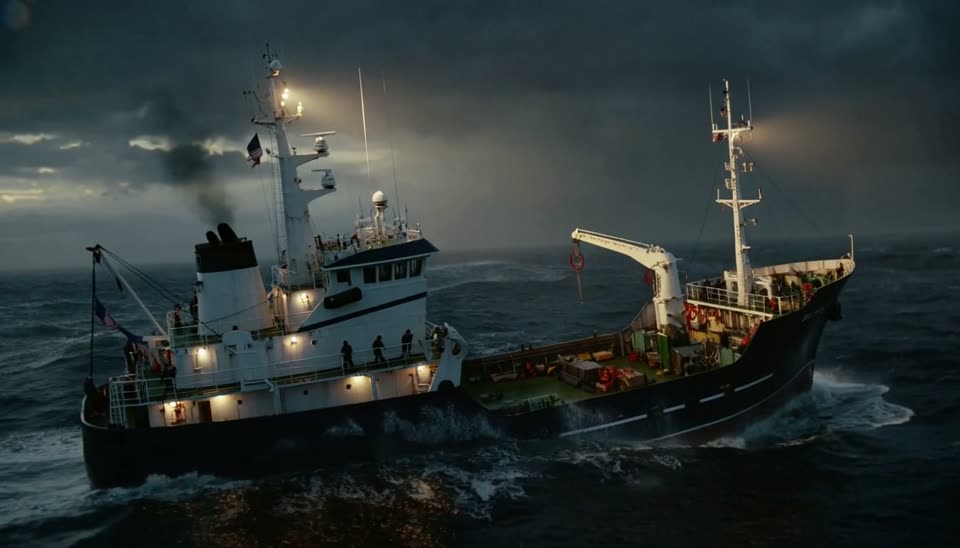
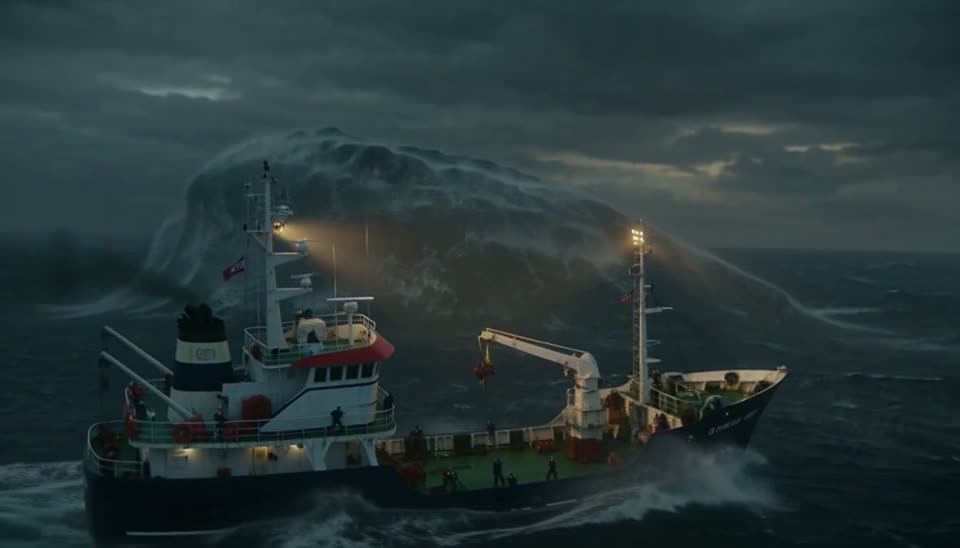
Compare the handoff from the descending crane move into the low push, then check whether the vessel and rising form keep a believable scale relationship.
Test 4 · 9:16
Creator footage — dialogue, autofocus, and drone launch
What to inspect: Lip-sync, phone-camera behavior, and vertical framing
View the shared prompt
Prompt summary · applied to both clips
Create a five-second vertical 9:16 phone video on a windy beach at golden hour. A young man records himself, delivers one short frustrated line about a third attempt, then turns the phone toward an unbranded compact drone on wet sand. Its arms open, the rotors accelerate, and it exits upward while he follows it and laughs. Include one brief autofocus hunt, a natural exposure shift, handheld wobble, wind-distorted speech, surf, and rotor sound. No music or burned-in captions.
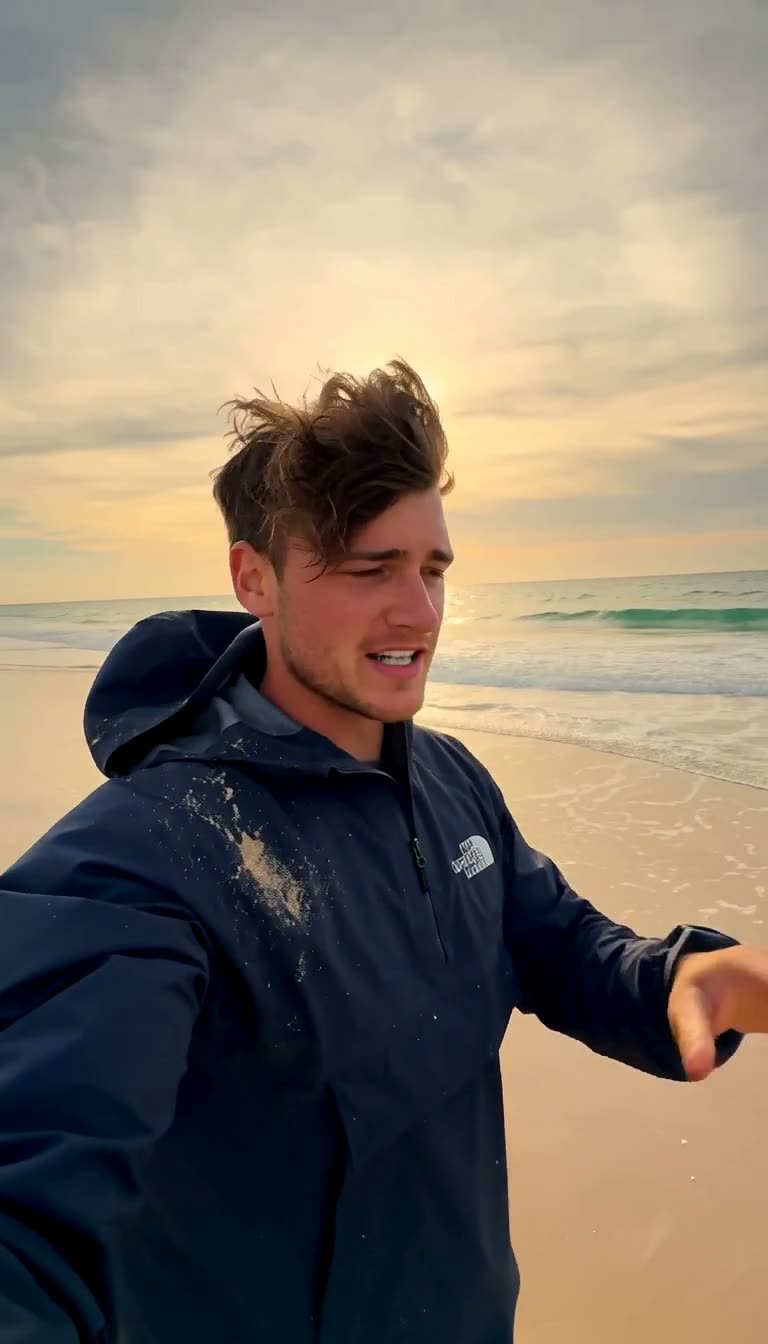
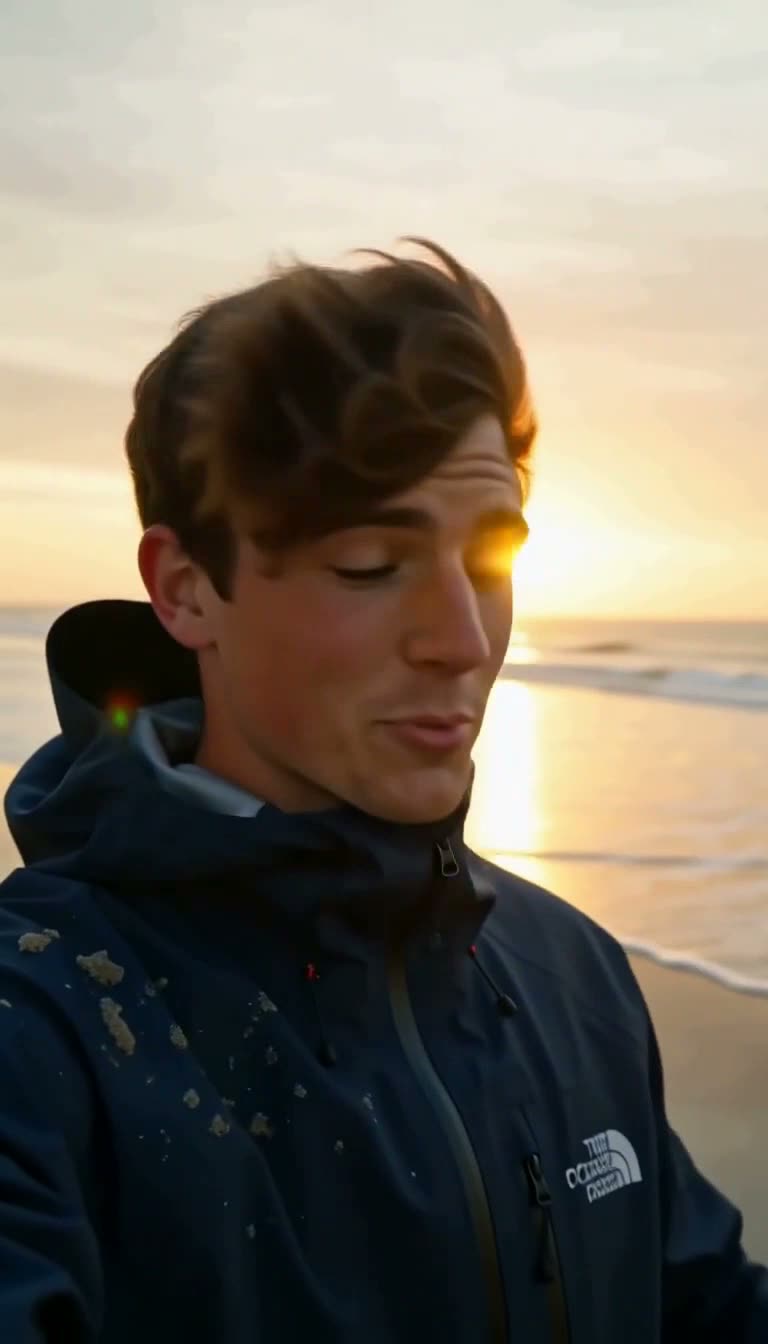
Listen to the spoken line against wind noise, then watch for one deliberate focus hunt and a clean transition from selfie framing to the drone launch.
Test 5 · 16:9
Papercraft spot — keeping a physical style intact
What to inspect: Material consistency and readable generated type
View the shared prompt
Prompt summary · applied to both clips
Create a five-second 16:9 tabletop advertising shot made entirely from layered cut paper with visible fibres, gouache color, real edges, warm practical light, and stepped motion. A coral-and-cream paper aircraft crosses layered clouds; the clouds reveal a paper coastline, lighthouse, waves, and wired gulls; then a lower-third card rises with the words “FLY SOUTH”. Use paper rustle, card friction, soft felt impacts, brushed-brass music, and a final glockenspiel note. Never drift into photography, vector art, cel animation, or 3D rendering.


Follow the paper fibres, cut edges, layered shadows, and closing banner. The useful difference is whether the handmade look survives once everything starts moving.
Test 6 · 16:9
Dive watch — macro geometry and sound cues
What to inspect: Audio-to-action timing across three precise cuts
View the shared prompt
Prompt summary · applied to both clips
Create a five-second 16:9 black-on-black macro product sequence with a 100 mm lens and one raking key light. First, gloved fingertips pull an unbranded crown through two visible clicks. Next, a steel bracelet clasp closes on slate with one sharp snap. Finally, the dark dial fills the frame while the sweep hand makes eight discrete steps across the six-o’clock index as the light fades. Align every click, snap, and tick to visible contact. Use only dry studio sound; no music, voice, dial text, or extra hands.
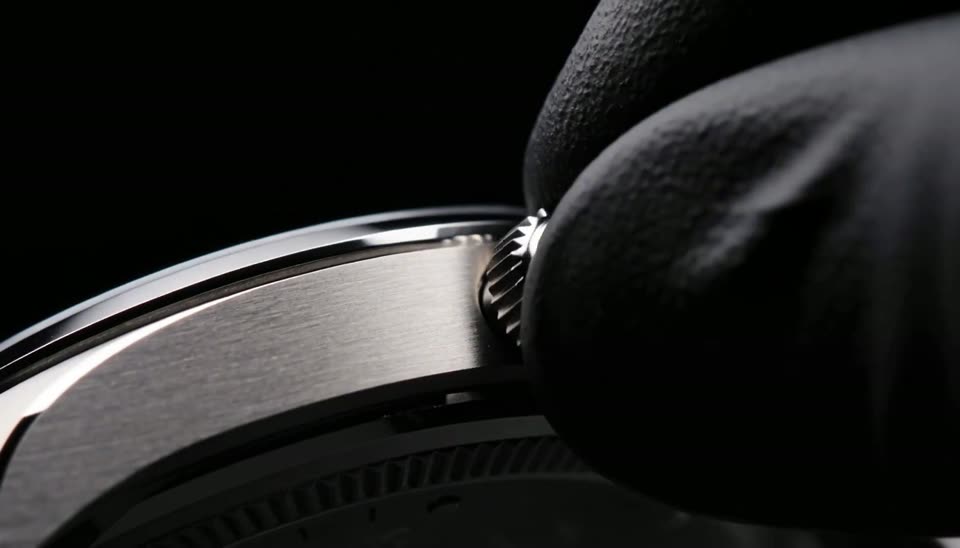
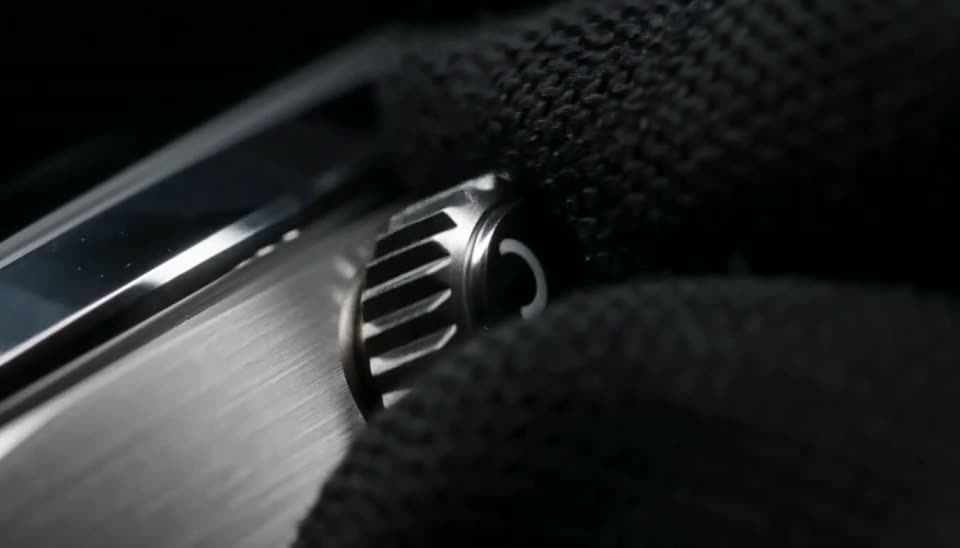
Match the two crown clicks, clasp snap, and eight dial ticks to the visible contact points while checking whether the watch geometry holds in macro view.
Source and declared conditions: fal's model comparison. The comparison uses the publisher's clips and declared setup.
Where H3 Max Fits Better
H3 Max is the practical choice here when 480p, 768p, or 1080p fits the task and the workflow benefits from a managed endpoint rather than local deployment.
A hosted path for short-form generation
fal's published comparison reports under three seconds for one five-second 768p generation under its stated hosted test conditions.
Three supported input paths
H3 Max supports text-to-video, image-to-video, and reference-to-video. The reference workflow can accept reference images and video, so current projects should not rely on older launch-era descriptions that mark this mode unavailable.
Native audio in the generation pass
Audio arrives with the generated video rather than requiring a separate sound-generation step. That is useful for dialogue, effects, and timing-led prompts, but it is not unique to H3 Max: base MiniMax H3 also supports native audio.
Where MiniMax H3 Fits Better
This site offers H3 Max, but the base model remains the clearer fit for requirements that the hosted H3 Max workflow does not meet.
You need 2K
H3 Max on this site offers 480p, 768p, and 1080p output. If your deliverable requires the base model's 2K path, use MiniMax H3 instead.
You need video editing
Reference input alone no longer decides the comparison because both models support reference-guided generation. Editing an existing clip is different: base MiniMax H3 offers a video-editing path, while this H3 Max workflow does not.
You want to run it yourself
The base MiniMax H3 release publishes downloadable weights for self-hosted workflows. H3 Max is hosted only and its weights are not published. If self-hosting or an air-gapped environment is required, choose the base model.
Comparison Sources
The six paired clips and hosted timing statement come from fal's published comparison. The specifications come from the linked provider documentation.
For site credit rules, use pricing. For site dimensions, duration, aspect ratios, and frame rate, use the resolution guide.
The clips are provided for visual comparison, while the speed figure remains an attributed fal measurement. Run both workflows with the same prompt and delivery settings when choosing for production.
Questions Before You Choose
What is the difference between MiniMax H3 Max and MiniMax H3?+
MiniMax H3 Max is fal's post-trained version of the base MiniMax H3 model. This site offers H3 Max at 480p, 768p, and 1080p. The base model has a separate 2K path and publishes downloadable weights. They are separate models with separate endpoints, not two settings of one.
Is MiniMax H3 Max better than MiniMax H3?+
Neither model is universally better. This site exposes H3 Max at 480p, 768p, or 1080p for text, image, and reference-guided workflows. The base model fits work that requires its 2K path, downloadable weights, self-hosting, or video editing. Choose against the delivery requirement and your own prompt results.
Where can I find H3 Max pricing?+
Use the dedicated H3 Max pricing page for this site's credit rules and packs. External provider API charges are separate and should be checked on the live provider page.
Can I run MiniMax H3 Max locally?+
No. The MiniMax H3 open source release covers the base model, whose published weights can be downloaded for self-hosted use. MiniMax H3 Max does not publish weights and is hosted only. If local or air-gapped generation is required, choose the base model.
Does MiniMax H3 Max support reference to video?+
Yes. H3 Max now supports reference-to-video, with reference image and reference video inputs. The base MiniMax H3 model also supports reference-guided generation. Video editing remains a separate distinction: the base model offers it, while this H3 Max workflow does not.